
Quickstart: your first screen
Run a first screen in the web app: one protein against a small library. It costs a few cents, paid from the $250 of promotional funds every new account starts with.
The screenshots on this page come from a test environment. The numbers in them are illustrative, not real predictions.
1. Sign in
Create an account, or sign in if you have one.
2. Choose a target
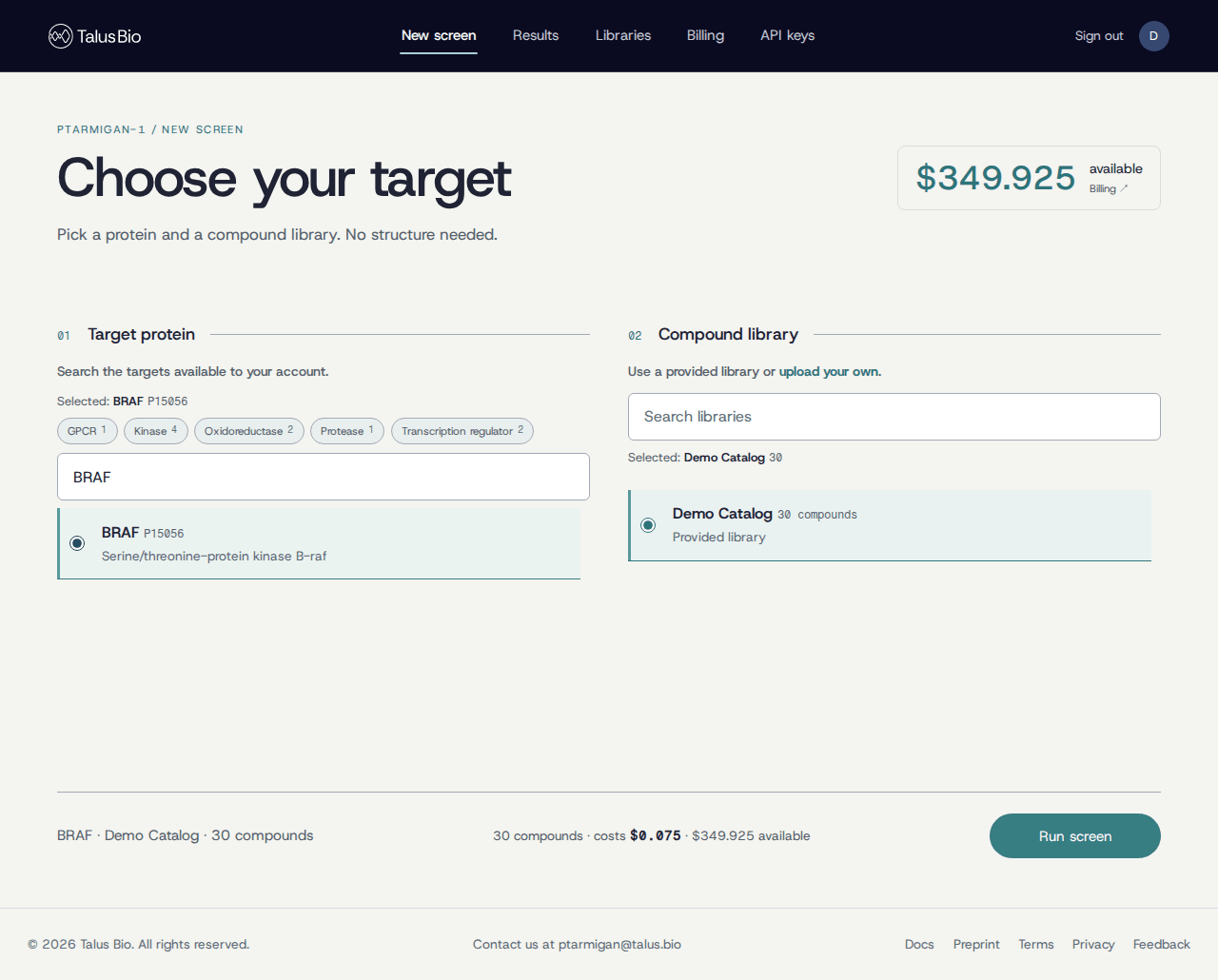
Open New screen. Under Target protein, search for a protein you know,
such as BRAF, and select it. The list holds the human proteins Ptarmigan-1
provides; you can't add your own protein yet.
3. Choose a small library
Under Compound library, pick a small provided library. The Demo Catalog, 30 well-known drugs, is a good first choice.
4. Check the cost and run
The line under the form shows how many compounds the screen covers, what it will cost, and what you have available. For 30 compounds the cost is a few cents; see pricing for the price per compound. Choose Run screen.
5. Read the results
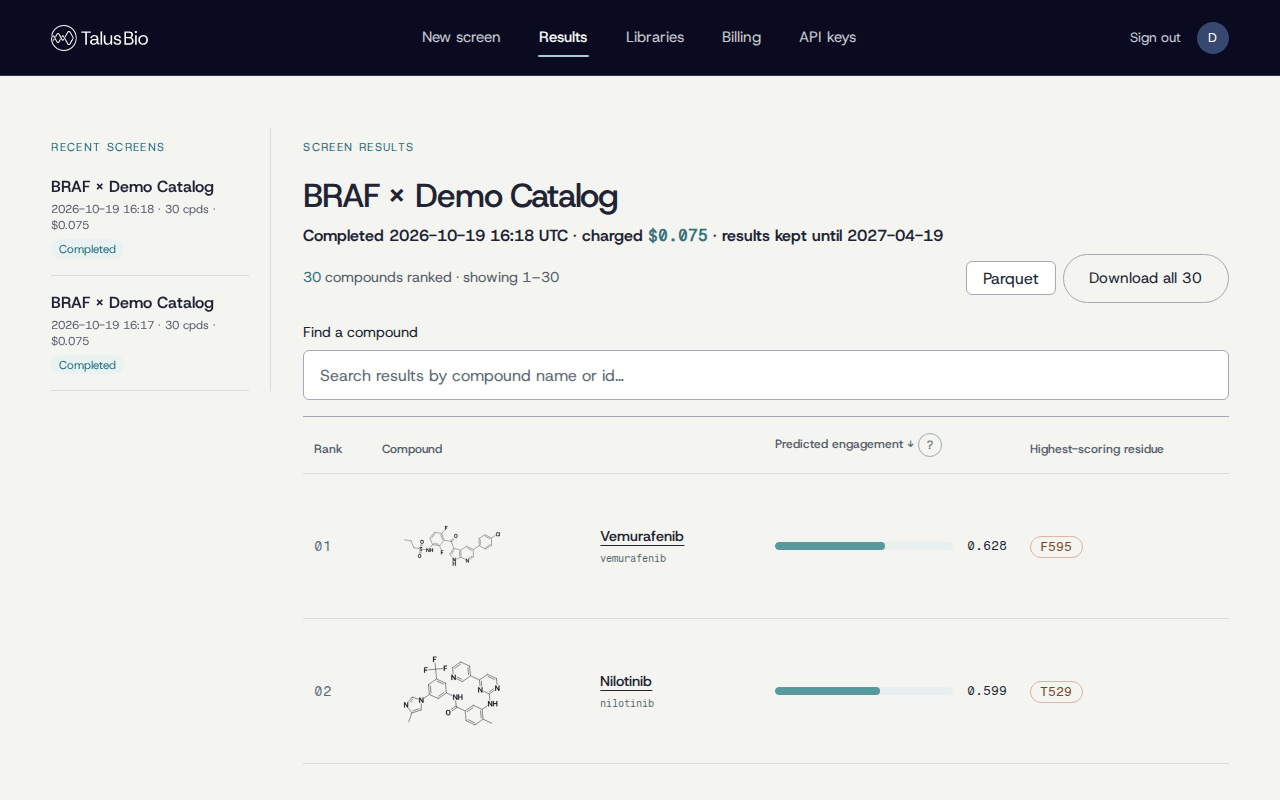
The results page shows the screen's progress. Scoring 30 compounds takes well under a second. When the screen completes, every compound is listed from highest to lowest predicted engagement.
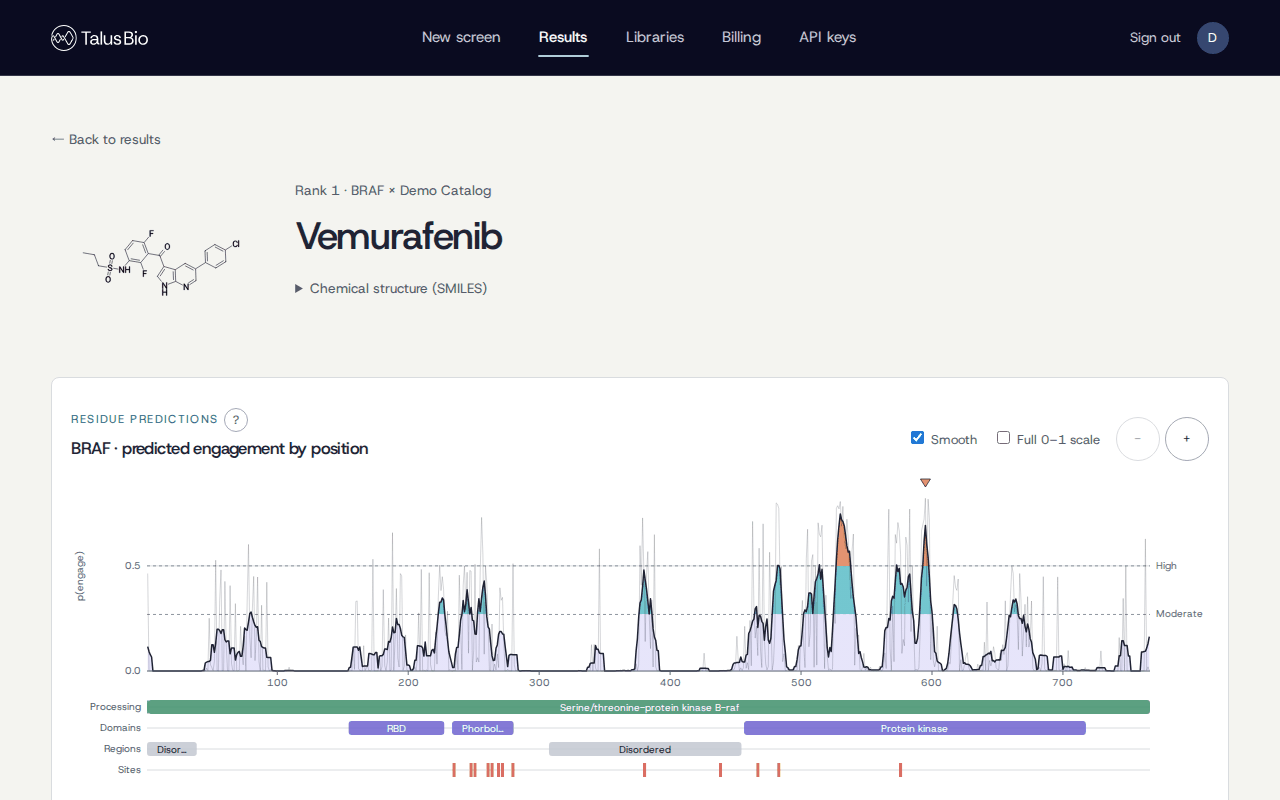
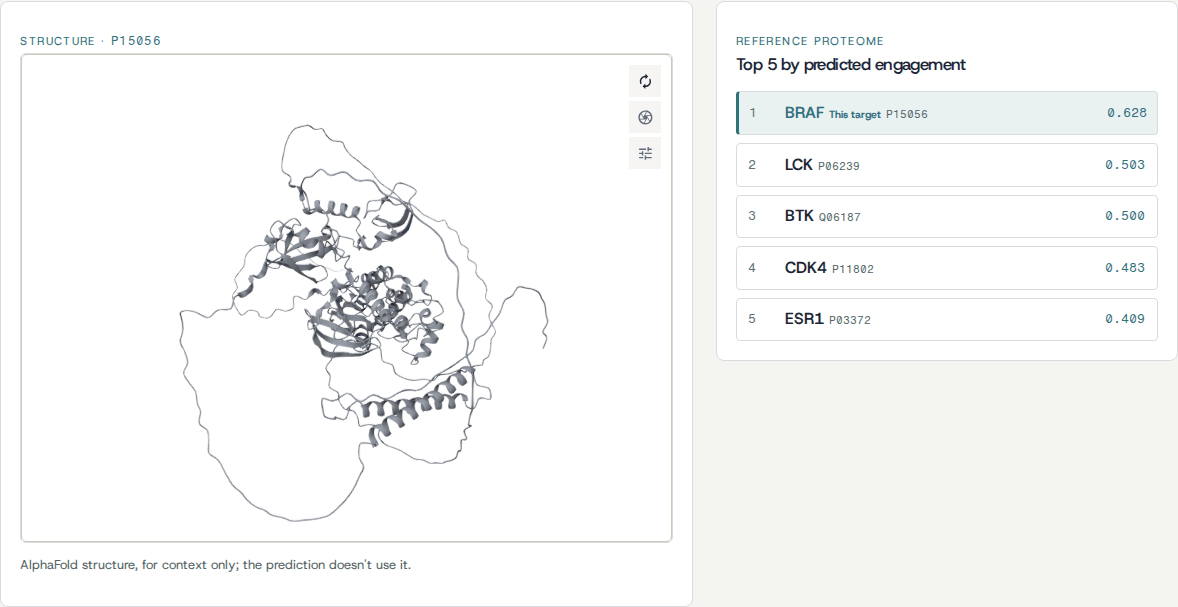
Select the top compound to see its predicted engagement at each residue of your target, the target's structure, and the other human proteins the compound is most likely to engage.
After your first screen
- Reading the results: what the numbers mean.
- Using the web app: uploading your own library, downloads and billing.
- Using an agent or Python: run screens without the web app.